5 Best Revo Uninstaller Alternatives in 2026 (With Undo Feature)
Looking for a Revo Uninstaller alternative? We compare five uninstallers on leftover scanning, batch removal, privacy and how easily you can undo a removal.
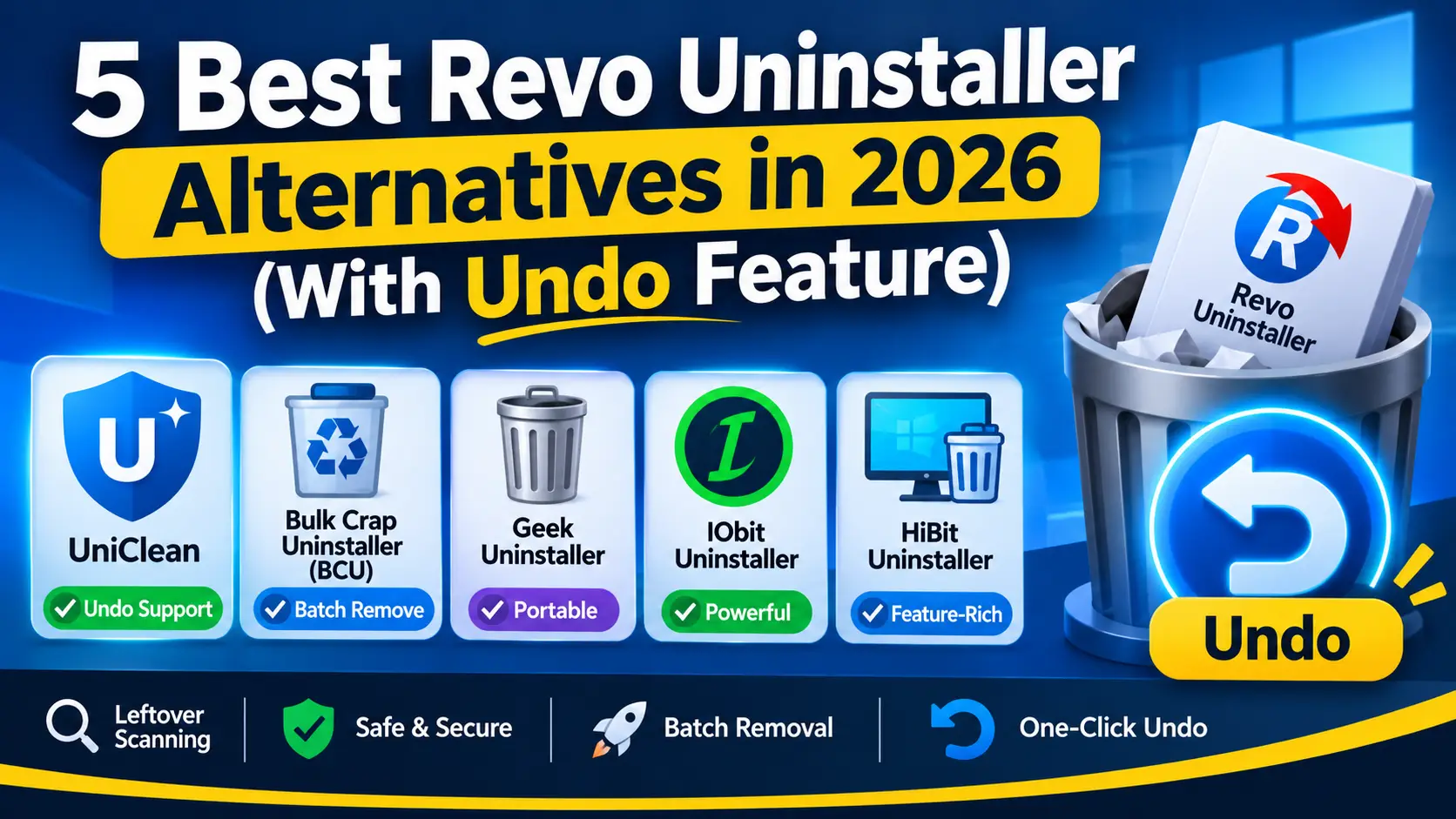
Table of contents
Revo Uninstaller has been the default recommendation for thorough uninstalls for more than a decade, and for good reason: its leftover scanning is solid and its forced uninstall rescues broken programs. But if you want a cleaner interface, open-source code, batch removal, or a genuine one-click undo, there are strong alternatives in 2026. Here are the five we think are worth your time, and how they compare on the features that matter.
What Revo Uninstaller does well
Before replacing a tool, it helps to know what you would lose. Revo Uninstaller comes in a free edition and a paid Pro tier, and it is good at several things:
- Leftover scan. After the program's own uninstaller runs, Revo scans for remaining files, folders and registry keys in three modes (Safe, Moderate, Advanced).
- Forced uninstall. Pro can remove programs whose uninstaller is missing or broken by tracing their traces across the system.
- Hunter Mode. You drag a crosshair onto a window or tray icon to uninstall or stop the program behind it.
- Backups. Revo creates a System Restore point before it uninstalls, and the Pro tier adds registry and file backups through its backups manager.
The common reasons people look elsewhere are the paid features locked behind Pro, a busy interface, and the fact that a System Restore point is a blunt instrument when you just want one program back.
Try UniClean free with one-click undo →
Download UniCleanWhy an undo feature matters
Leftover scanners delete things the original uninstaller left behind. Most of the time that is exactly what you want, but occasionally a "leftover" is a shared DLL, a runtime another app depends on, or a license file you did not realize you needed.
Windows System Restore can roll that back, but it is system-wide. Restoring a point reverts every program, driver and setting change made since that point, it requires a restart, and restore points are sometimes missing because System Protection is turned off on the drive. A per-program backup is a much finer tool: it restores the exact files, registry keys, services and scheduled tasks of one uninstall, and leaves everything else alone.
That is the gap UniClean's Recovery Vault was built to fill.
Try UniClean free with one-click undo →
Download UniCleanThe 5 best Revo Uninstaller alternatives
1. UniClean
UniClean is a free uninstaller and cleaner for Windows 11 and 10. Before anything is deleted, it backs up the program's files, registry keys, services and scheduled tasks into an AES-256 encrypted vault stored locally on your PC. If something breaks, you open the Restore Center and restore that one program with a single click, even after a restart.
Every item it finds is labeled with a risk tier: Safe items can be removed freely, Caution items deserve a quick review, and High Risk items such as drivers and security software always get a forced vault backup. It also includes a deep leftover scanner, a bloatware scanner, a startup manager, an antivirus remover, and a portable mode that runs from USB. There is no telemetry and no account.
Best for: people who want thorough cleanup without the fear of breaking something.
2. Bulk Crap Uninstaller (BCU)
BCU is free, open source under the Apache-2.0 license, and built for removing lots of software at once. It detects orphaned programs, handles Store apps, runs quiet uninstalls where supported, and has a portable build. It can create a System Restore point before a batch. The interface is dense and aimed at power users, but nothing beats it for raw batch speed. See our UniClean vs BCU comparison for the details.
Best for: technicians and power users clearing many apps at once.
3. Geek Uninstaller
Geek Uninstaller is a tiny portable tool with a free edition and a paid Pro tier. It lists desktop and Store apps, runs the native uninstaller, then offers a leftover scan, and it can force-remove stubborn entries. It does not have its own backup system, so you rely on Windows System Restore if something goes wrong.
Best for: a fast, no-install tool to keep on a USB stick.
4. IObit Uninstaller
IObit Uninstaller has a free edition and a paid Pro tier, with leftover scanning, browser plugin removal, a software updater and a "stubborn programs" mode. It can create a restore point before uninstalling. The trade-off is that the installer and app promote other IObit products, which some users find intrusive. We cover it in depth in our IObit Uninstaller alternative article.
Best for: users who want an all-in-one suite and do not mind upsells.
5. HiBit Uninstaller
HiBit Uninstaller is a free, portable tool that packs a lot in: forced uninstall, leftover scanning, a startup manager, a registry cleaner, and tools for creating restore points and registry backups. It is surprisingly capable for its size, though the many bundled utilities can feel cluttered.
Best for: users who like a free Swiss-army-knife tool.
Try UniClean free with one-click undo →
Download UniCleanFeature comparison table
| Feature | UniClean | Revo | BCU | Geek | IObit | HiBit |
|---|---|---|---|---|---|---|
| Free edition | ✅ | ✅ | ✅ | ✅ | ✅ | ✅ |
| Leftover scan | ✅ | ✅ | ✅ | ✅ | ✅ | ✅ |
| Backup before uninstall | ✅ vault | ✅ restore point | ✅ restore point | ❌ | ✅ restore point | ⚠️ manual |
| Per-program encrypted undo | ✅ | ❌ | ❌ | ❌ | ❌ | ❌ |
| Registry and file backups | ✅ | ⚠️ Pro | ❌ | ❌ | ❌ | ⚠️ manual |
| Risk label on every item | ✅ | ⚠️ scan modes | ❌ | ❌ | ❌ | ❌ |
| Dedicated antivirus remover | ✅ | ❌ | ❌ | ❌ | ❌ | ❌ |
| Portable mode | ✅ | ✅ | ✅ | ✅ | ❌ | ✅ |
| Open source | ❌ | ❌ | ✅ | ❌ | ❌ | ❌ |
| No bundled offers | ✅ | ✅ | ✅ | ✅ | ⚠️ | ✅ |
⚠️ means the feature exists only in the paid Pro tier, in a limited form, or as a separate manual tool. Feature sets change between versions, so check each vendor's current release notes before deciding.
Try UniClean free with one-click undo →
Download UniCleanHow to choose the right alternative
Ask yourself three questions:
- How often do you remove software that other things might depend on? If you clean up drivers, OEM utilities, runtimes or antivirus, per-program undo is worth having. UniClean is the only tool here that offers it.
- Do you uninstall in bulk? BCU is the specialist for clearing dozens of apps in one pass.
- Do you care about privacy and clean installers? UniClean, BCU and Geek are the least noisy. UniClean runs fully offline with no telemetry, and its installer shows 0 out of 67 antivirus detections on VirusTotal.
Try UniClean free with one-click undo →
Download UniCleanSwitching from Revo to UniClean
Moving over is simple. Install UniClean or run it in portable mode, let it scan your installed programs, and you will see each one with its risk tier, publisher and install date. Pick a program, uninstall it, and let the leftover scanner finish. The vault entry appears in the Restore Center automatically. If you still have Revo installed, you can remove it with UniClean too; its own leftovers are usually tagged as safe.
For a head-to-head breakdown, see the full UniClean vs Revo Uninstaller comparison, or download UniClean and try an uninstall you can actually take back.
Try UniClean free with one-click undo →
Download UniCleanFrequently asked questions
Yes. UniClean is free and backs up every program it removes into an encrypted Recovery Vault, so you can restore that single program with one click from the Restore Center.
Yes. Revo creates a System Restore point before uninstalling, and its paid Pro tier adds registry and file backups. Those are useful, but a restore point rolls back the whole system rather than one program.
Bulk Crap Uninstaller is the specialist for batch removal and is free and open source under the Apache-2.0 license.
The tools in this list are established, but any uninstaller that deletes registry keys can cause problems if it removes the wrong item. Choose one that labels risk clearly and lets you undo changes.
Written by
UniClean Team
The UniClean team builds safe, reversible Windows cleanup tools at UniSoftware. Every guide is tested on clean Windows 11 and Windows 10 installs before publishing. About us