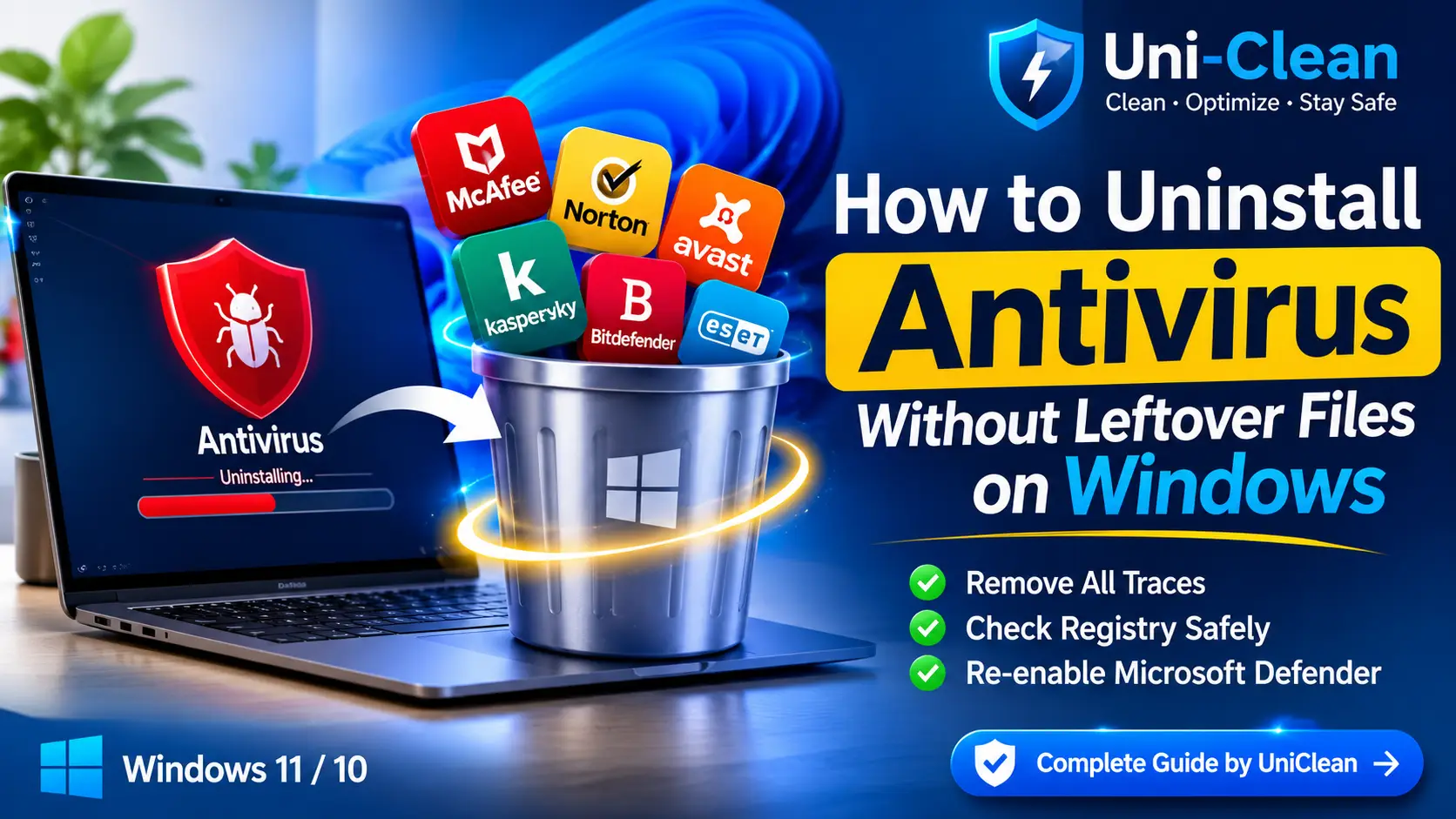
How to Uninstall Antivirus Without Leftover Files on Windows
Antivirus suites leave drivers, services and registry keys behind. Learn how to uninstall antivirus without leftover files on Windows 11 and 10, safely.
Security suites protect themselves from tampering, which is exactly why Windows' uninstaller leaves them half-removed: drivers still loaded, services still running, browser add-ons still injected. UniClean's Antivirus Remover handles self-protection properly and sweeps every trace — then makes sure Microsoft Defender is back on.
Security suites that refuse to leave — gone for good.
Supported security software
Stops protected services in the right order and schedules locked files for removal at next boot.
Removes kernel drivers, network filters and minifilters that cause slowdowns and VPN or Wi-Fi conflicts.
WebAdvisor, Safe Web and Online Security extensions are removed from every browser profile.
After removal, UniClean checks Windows Security and turns Microsoft Defender real-time protection back on.
Even antivirus removal is reversible from the Restore Center — useful if a licence turns out to be needed.
Built-in profiles for McAfee, Norton, Avast, AVG, Kaspersky, Bitdefender, ESET, Avira and more.
UniClean identifies installed security suites and every component they deployed.
Protected services are stopped and locked items are queued for boot-time removal.
The official uninstaller runs, then drivers, services, folders and registry keys are swept.
After a restart UniClean confirms nothing remains and Microsoft Defender is active.
No. Windows 11 and 10 include Microsoft Defender, which UniClean re-enables automatically after removal.
Vendor tools like MCPR or Norton Remove and Reinstall are useful, but they often skip browser add-ons, logs and scheduled tasks. UniClean sweeps those too and keeps a vault backup.
Usually not. UniClean handles self-protection and schedules locked files for removal at the next restart.

Antivirus suites leave drivers, services and registry keys behind. Learn how to uninstall antivirus without leftover files on Windows 11 and 10, safely.
Free download. No account needed. Windows 11 & 10. Fully local.