Comparisons5 min read
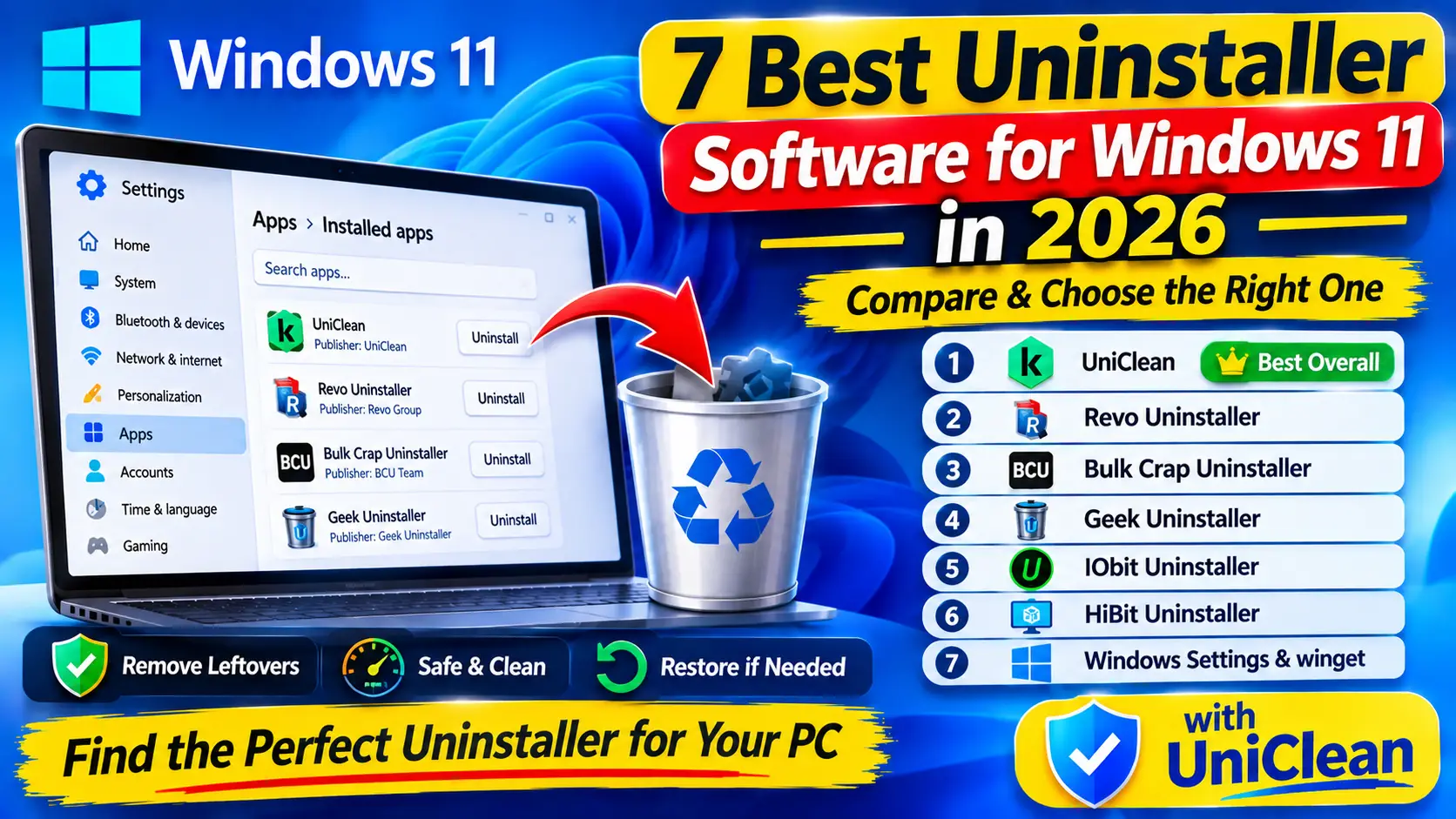
7 Best Uninstaller Software for Windows 11 in 2026
We compare the 7 best uninstaller software options for Windows 11 in 2026, from built-in tools to dedicated cleaners, on leftovers, safety, batch removal and undo.
Read Guide
Bulk Crap Uninstaller is loved by power users for fast, quiet batch removal. Here is how it compares with UniClean when safety matters as much as speed.
BCU is a superb free, open-source batch uninstaller for power users. UniClean keeps the free price and batch speed, and adds guardrails — Risk Tiers, encrypted undo and antivirus handling — for everyone else.
| Feature | BestUniClean | BCU |
|---|---|---|
| Recovery Vault | Yes | No |
| Encrypted Backup | Yes | No |
| One-Click Undo | Yes | No |
| Risk Tier System | Yes | No |
| Antivirus Removal | Yes | Partial |
| Monitoring Detection | Yes | No |
| Leftover Scanner | Yes | Yes |
| Startup Manager | Yes | No |
| Browser Extensions | Yes | No |
| Audit Log | Yes | No |
| Portable Mode | Yes | Yes |
| No Telemetry | Yes | Yes |
| 100% Free | Yes | Yes |
| Price | FREE | FREE |
BCU removes quickly but has no built-in undo. UniClean vaults each item so batch mistakes are reversible.
Risk Tiers explain what is safe; BCU expects technical judgement.
UniClean has dedicated security-suite removal and monitoring-tool detection.
A timeline of every install and every UniClean action.
Choose BCU if…
Choose UniClean if…
Yes. UniClean is completely free with no paid tier.
Yes. Select multiple items — for example everything in the Safe tier — and remove them in one pass, each vaulted individually.
We compare the 7 best uninstaller software options for Windows 11 in 2026, from built-in tools to dedicated cleaners, on leftovers, safety, batch removal and undo.
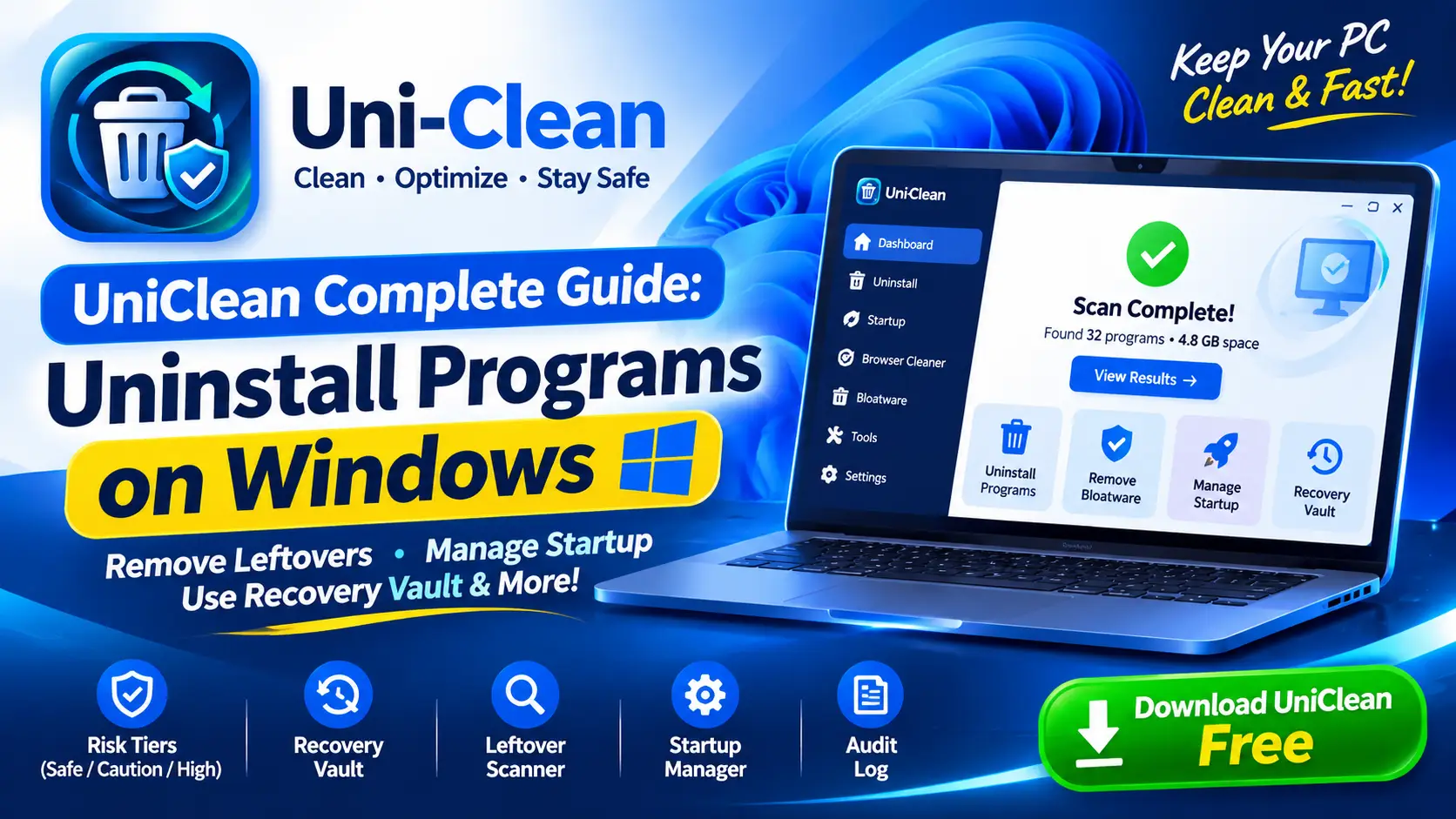
The complete UniClean guide to uninstalling programs on Windows, from the first scan and risk tiers to leftover removal, the Recovery Vault and portable mode.
Free download. No account needed. Windows 11 & 10. Fully local.