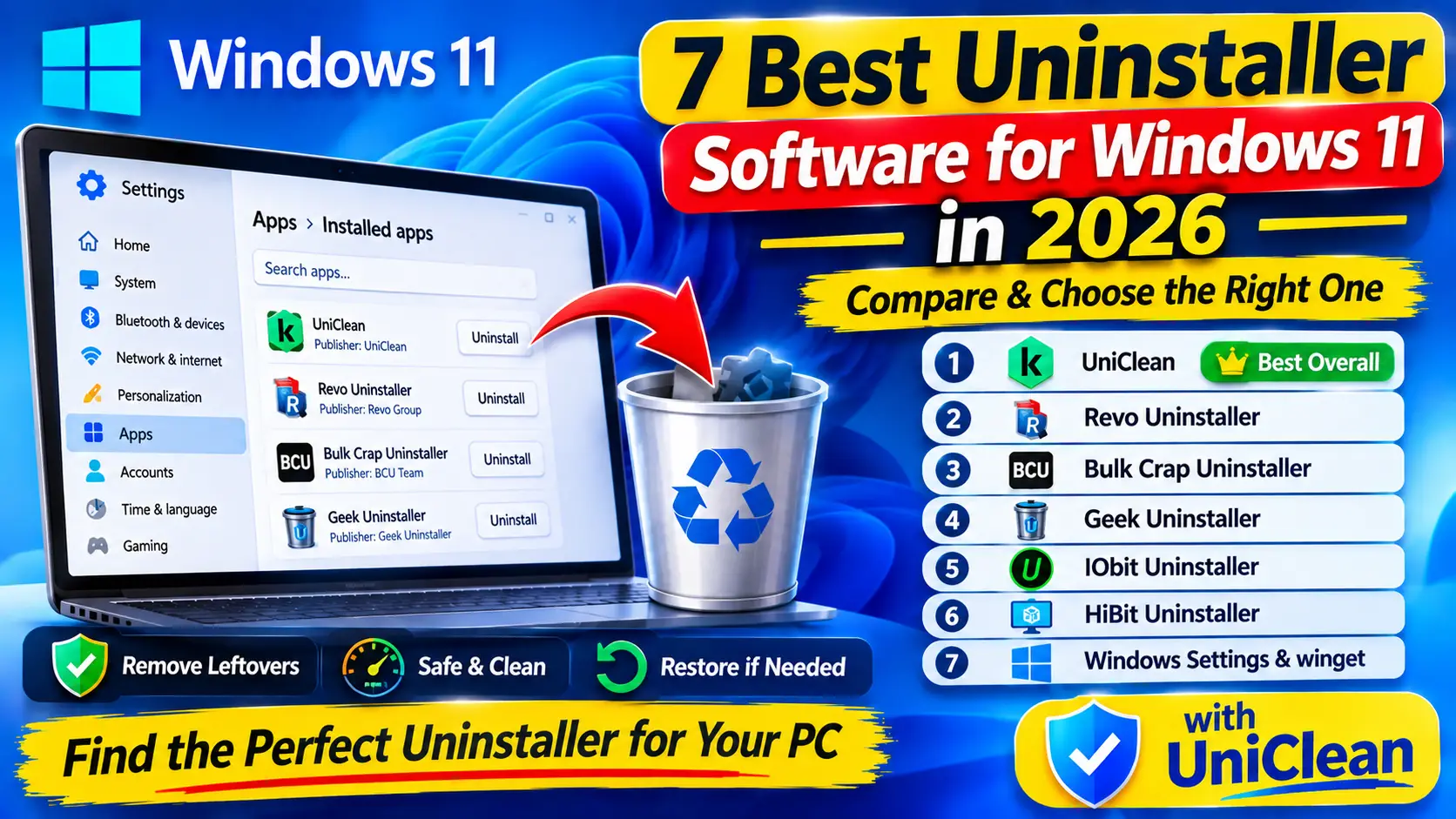
IObit Uninstaller Alternative 2026 — Better Options Compared
Want an IObit Uninstaller alternative without upsells or bundled offers? We compare cleaner, privacy-friendly uninstallers and explain which one fits your needs in 2026.
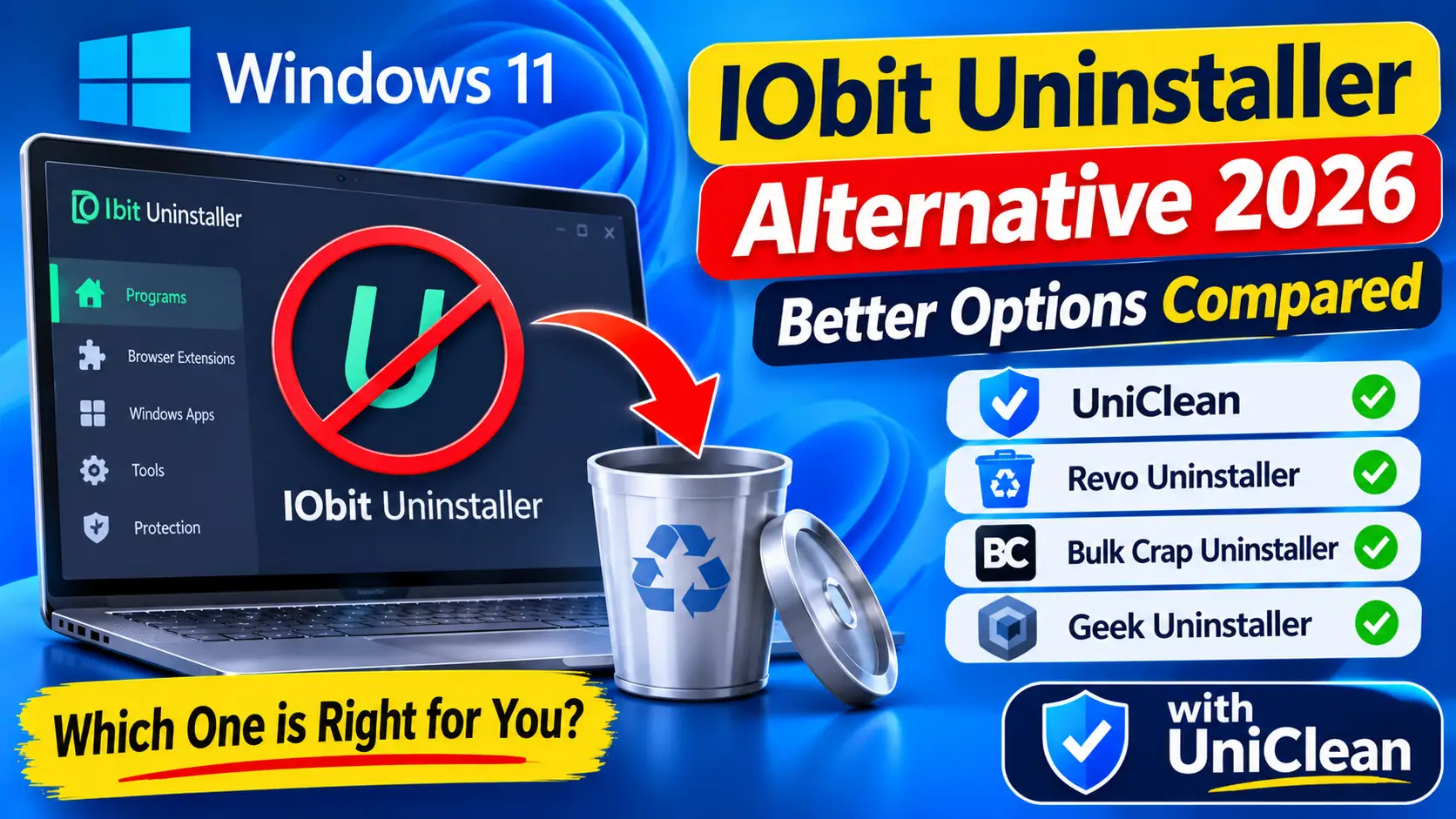
Table of contents
IObit Uninstaller is one of the most downloaded uninstallers on Windows, and it does a capable job of removing programs and their leftovers. Still, plenty of users go looking for an IObit Uninstaller alternative because of the product promotions, the push toward the paid Pro tier, or simply a wish for something leaner. This guide explains what IObit does well, where it falls short, and which alternatives are worth switching to in 2026.
What IObit Uninstaller offers
IObit Uninstaller comes as a free edition and a paid Pro tier. Its main features include:
- Standard and batch uninstall with an automatic leftover scan afterward.
- Stubborn program removal for apps whose uninstaller is broken.
- Browser plugin and toolbar removal for common browsers.
- Windows Store app removal, including some preinstalled apps.
- Software Updater that flags outdated programs.
- Restore point creation before uninstalling, so you can roll Windows back if needed.
On features alone, it is a well-rounded package.
Switch to UniClean, free and offline →
Download UniCleanWhy people look for an IObit Uninstaller alternative
Bundled offers and upsells
The most common complaint is promotion of other IObit products. Depending on the version, setup screens may offer additional IObit software, and the app itself regularly nudges you toward Pro or other utilities. None of this is hidden, but it requires attention on every install and update, and that is the opposite of what you want from a cleanup tool.
Overlapping utilities
The Software Updater, "Software Health" checks and other extras make IObit feel more like a suite than a focused uninstaller. If you already keep software updated through Windows Update, the Microsoft Store or winget, these features add noise.
Rollback is system-wide
IObit can create a System Restore point before an uninstall, which is genuinely useful. But restoring a point reverts every change made since it was created, needs a restart, and only works if System Protection is turned on. If you only want one program back, that is a heavy hammer.
Switch to UniClean, free and offline →
Download UniCleanThe best IObit Uninstaller alternatives
UniClean
UniClean is a free Windows 11 and 10 uninstaller with no bundled offers, no account and no telemetry. It works fully offline. Before it deletes anything, it backs up files, registry keys, services and scheduled tasks to an AES-256 encrypted Recovery Vault on your PC. If a removal causes a problem, the Restore Center brings that single program back with one click, even after a restart.
Every item is rated with a risk tier, so you can tell at a glance whether something is Safe, needs a Caution review, or is High Risk and system-critical. UniClean also includes a Browser Extension Cleaner for Chrome, Edge, Firefox and Brave, a bloatware scanner, a startup manager, and an antivirus remover.
Revo Uninstaller
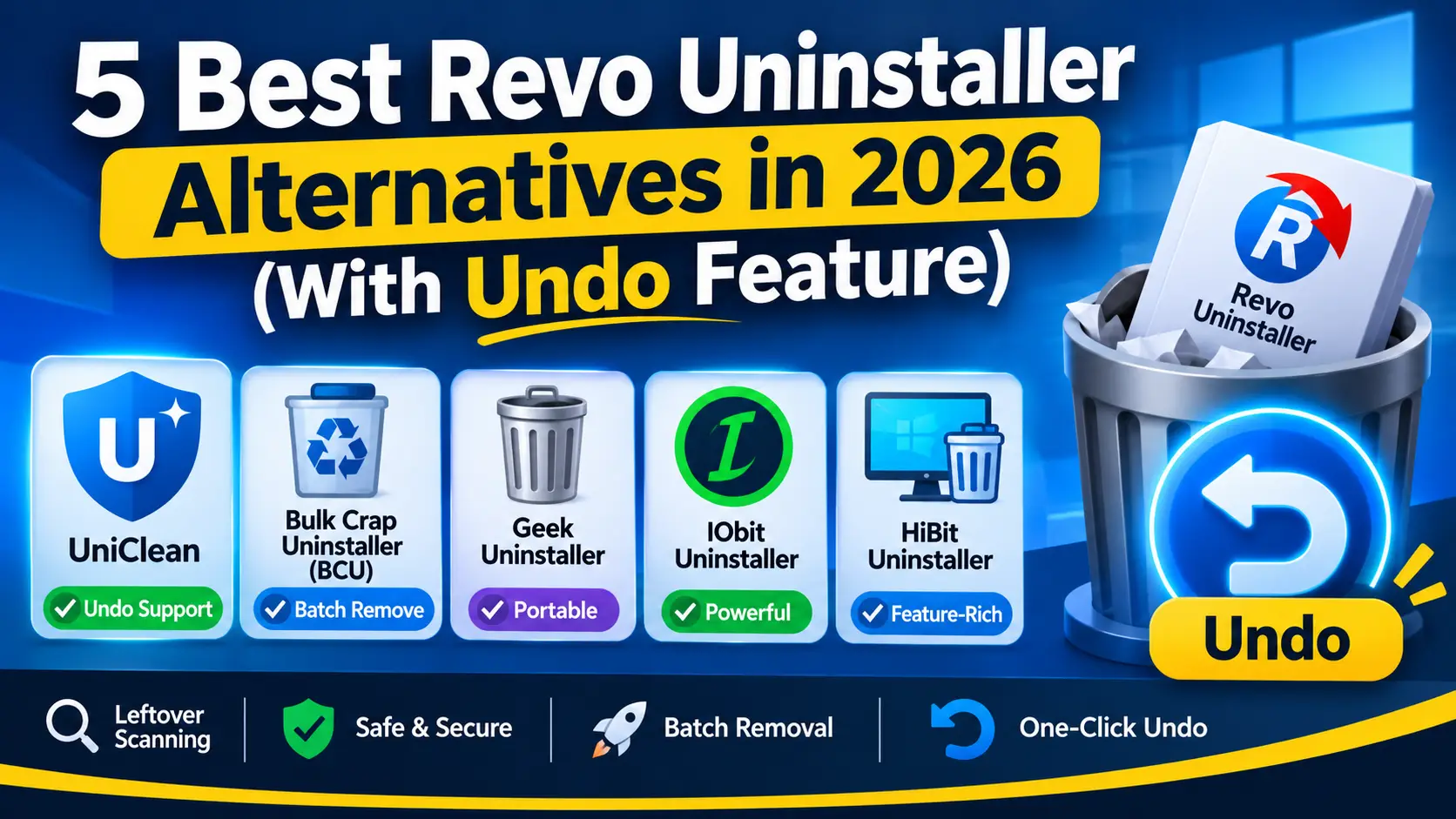
Revo has a free edition and a paid Pro tier. It offers three leftover scan depths, Hunter Mode, and forced uninstall in Pro. It creates a System Restore point before uninstalling, and Pro adds registry and file backups. It is a mature, trusted choice with no bundled offers. Read our Revo Uninstaller alternatives roundup for a deeper look.
Bulk Crap Uninstaller (BCU)
BCU is free and open source under the Apache-2.0 license. It shines at batch uninstalls, detects orphaned entries, supports quiet uninstalls, and has a portable build. It is built for power users, so the interface is busy, but it is clean of promotions.
Geek Uninstaller
Geek is a compact portable uninstaller with a free edition and a paid Pro tier. It runs the native uninstaller, scans for leftovers, and can force-remove broken entries. It is a great tool to carry on a USB drive, though it has no backup system of its own.
Switch to UniClean, free and offline →
Download UniCleanIObit vs alternatives at a glance
| Feature | UniClean | IObit | Revo | BCU | Geek |
|---|---|---|---|---|---|
| Free edition | ✅ | ✅ | ✅ | ✅ | ✅ |
| Leftover scan | ✅ | ✅ | ✅ | ✅ | ✅ |
| Browser extension removal | ✅ | ✅ | ❌ | ❌ | ❌ |
| Backup before uninstall | ✅ vault | ✅ restore point | ✅ restore point | ✅ restore point | ❌ |
| Per-program encrypted undo | ✅ | ❌ | ❌ | ❌ | ❌ |
| Risk label on every item | ✅ | ❌ | ⚠️ scan modes | ❌ | ❌ |
| No bundled offers or upsells | ✅ | ⚠️ | ✅ | ✅ | ✅ |
| Portable mode | ✅ | ❌ | ✅ | ✅ | ✅ |
⚠️ means partial or dependent on the version and the choices you make during setup.
Switch to UniClean, free and offline →
Download UniCleanHow to remove IObit Uninstaller cleanly
If you decide to switch, remove IObit Uninstaller properly so it does not leave background components behind.
Manual method
- Open Settings → Apps → Installed apps, find IObit Uninstaller, and choose Uninstall. Decline any offers in the uninstaller and finish.
- Repeat for any other IObit products that were installed alongside it.
- Check these folders for leftovers and delete what remains:
C:\Program Files (x86)\IObit,C:\ProgramData\IObitand%AppData%\IObit. - Open Task Scheduler and look for tasks with IObit in the name.
- If you are comfortable with the Registry Editor, export a backup first, then look under
HKEY_CURRENT_USER\Software\IObitandHKEY_LOCAL_MACHINE\SOFTWARE\WOW6432Node\IObit.
With UniClean
Select IObit Uninstaller in UniClean's program list and click uninstall. UniClean runs the vendor's own uninstaller, then the leftover scanner sweeps Program Files, ProgramData, AppData, registry keys, services and scheduled tasks. Everything it removes goes into the vault first, so there is nothing to lose if you change your mind.
Switch to UniClean, free and offline →
Download UniCleanWhich alternative should you choose?
- Choose UniClean if you want a quiet, private tool with risk labels and real per-program undo.
- Choose BCU if you remove dozens of programs at a time and like open-source software.
- Choose Revo if you want a long-established tool and are happy with System Restore as your safety net.
- Choose Geek if you want the smallest possible portable utility.
For a feature-by-feature breakdown, see UniClean vs IObit Uninstaller, or download UniClean and try it on the next program you want gone.
Switch to UniClean, free and offline →
Download UniCleanFrequently asked questions
IObit Uninstaller itself is not malware, but its installer and interface promote other IObit products, so read each setup screen carefully. Many users switch because of these bundled offers rather than security concerns.
UniClean is a free alternative with leftover scanning, risk labels and a per-program encrypted Recovery Vault. Bulk Crap Uninstaller is a strong open-source choice for batch removal.
Uninstall it from Settings, then check Program Files, ProgramData, AppData and the IObit registry keys for leftovers, or let UniClean's leftover scanner find them for you.
Yes, it includes browser plugin removal. UniClean's Browser Extension Cleaner covers Chrome, Edge, Firefox and Brave and lets you remove extensions in bulk.
Written by
UniClean Team
The UniClean team builds safe, reversible Windows cleanup tools at UniSoftware. Every guide is tested on clean Windows 11 and Windows 10 installs before publishing. About us