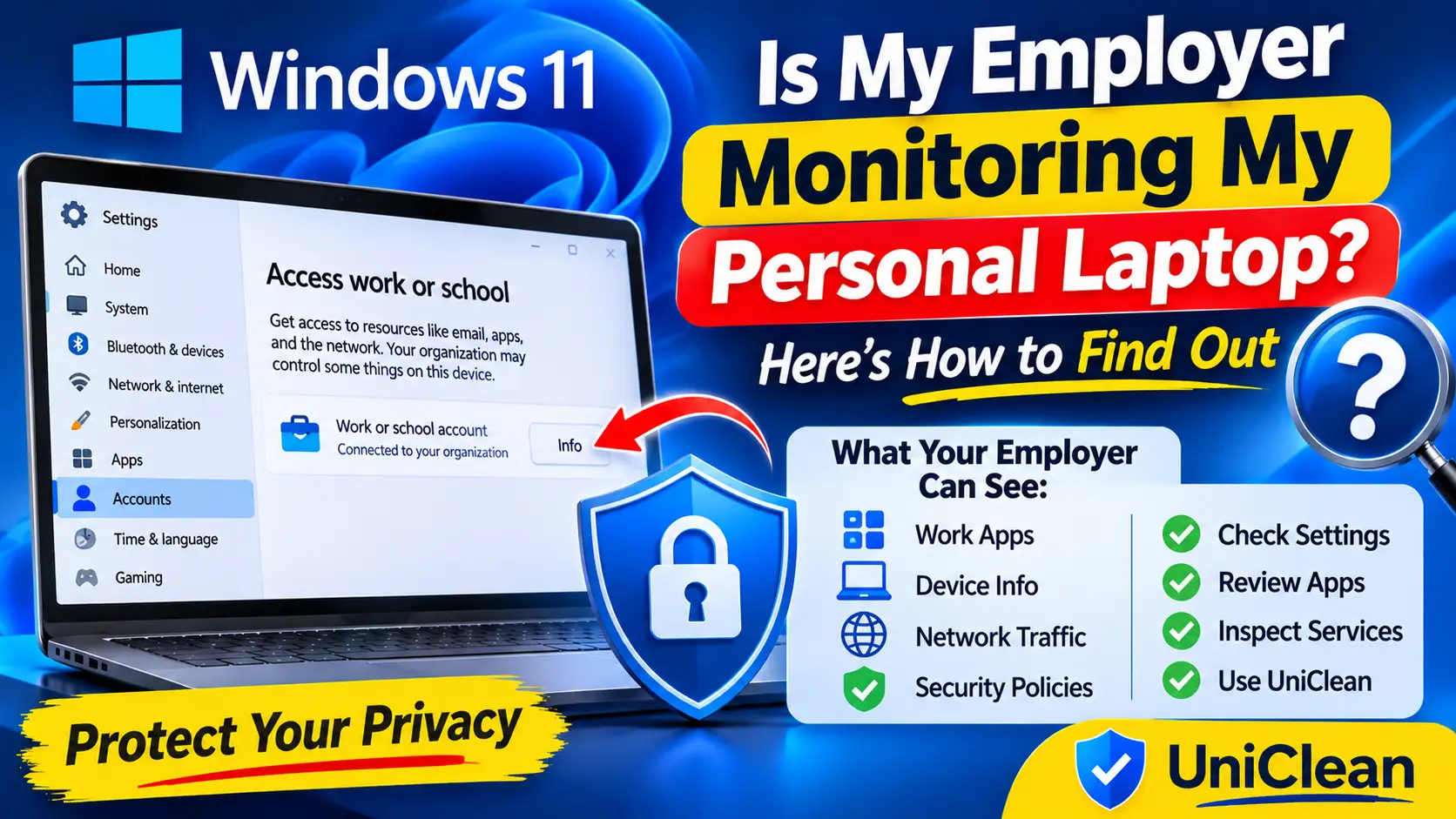
Is My Employer Monitoring My Personal Laptop? Here's How to Find Out
Wondering if your employer is monitoring your personal laptop? Learn what a work account, MDM enrollment or company agent can actually see, and how to check in minutes.
Employee monitoring tools, device management agents and stalkerware are often designed to stay out of sight. This guide shows where they typically hide on Windows and how to see what was installed on your PC, who installed it and when.
These are the locations a standard uninstall commonly misses.
| Location | Type | Note |
|---|---|---|
HKLM\SOFTWARE\Microsoft\Windows\CurrentVersion\Uninstall | registry | Lists installed programs, including some hidden from Settings. |
HKLM\SOFTWARE\WOW6432Node\Microsoft\Windows\CurrentVersion\Uninstall | registry | Uninstall entries for 32-bit programs. |
HKLM\SOFTWARE\Microsoft\Windows\CurrentVersion\Run | registry | Programs that start for every user at sign-in. |
HKLM\SOFTWARE\Microsoft\Enrollments | registry | Records MDM enrollments such as Intune. |
services.msc | service | Monitoring agents usually run as automatic services. |
C:\Windows\System32\Tasks | task | Scheduled tasks that relaunch agents or upload data. |
C:\ProgramData | folder | Common location for agent configuration and captured data. |
edge://policy and chrome://policy | extension | Shows force-installed extensions and browser policies set by an administrator. |
UniClean's Risk Tier for each app — keep anything marked High Risk unless you know you don't need it.
Microsoft Intune (MDM)
Shows under Access work or school and the IntuneManagementExtension service; managed by your organization.
Microsoft Defender for Endpoint
Enterprise security sensor that runs as the Sense service; part of company security.
Teramind
Employee monitoring agent; usually runs as a background service with little visible UI.
ActivTrak
Activity tracking agent; often appears as a service and in the uninstall registry.
Hubstaff
Time tracking app with a visible desktop client and optional screenshots.
Time Doctor
Time tracking with optional screenshots; may run as a silent agent.
Veriato
Employee monitoring and insider risk agent, deployed by administrators.
InterGuard
Monitoring agent that can run in stealth mode.
Spyrix
Keylogger and monitoring tool sometimes misused as stalkerware.
The Windows-only way. It works, but takes longer and has no undo.
Open Settings > Accounts > Access work or school. Any connected organization may be managing your device.
Open Settings > Apps > Installed apps and appwiz.cpl, sort by install date and look for software you did not install.
Press Win + R, run services.msc and look for unfamiliar automatic services, checking the publisher in each service properties.
Review Task Manager > Startup apps and Task Scheduler for unknown entries that run at sign-in or on a schedule.
Open edge://policy or chrome://policy to see whether an administrator has forced extensions or settings.
Open Resource Monitor > Network to see which processes are sending data regularly.
On a company device, ask IT what is installed and why. On a personal device with unknown monitoring, back up your data and seek help if you suspect stalkerware.
Faster, complete, and reversible — everything is backed up to the Recovery Vault first.
UniClean shows a full installation history with install date, publisher, location and who or what installed each program.
Sort by date and installer to surface programs deployed silently, including MDM and monitoring agents.
Review startup apps, Run keys, services and scheduled tasks that keep agents running.
Management agents and security tools are marked High Risk, so a backup is forced before any change.
On your own device, remove unwanted software with a Recovery Vault backup. On a company device, take your findings to IT instead.
They can if your device is enrolled in their management or has their agent installed. Check Settings > Accounts > Access work or school and your installed apps.
No. Many tools show a tray icon or a normal app entry, but some run as background services with generic names.
No. On a company-owned device, removing it can break your employment agreement, so raise concerns with IT or HR instead.
The Audit Log shows every installed program with its install date, publisher and installer, which makes software you never installed easy to spot.

Wondering if your employer is monitoring your personal laptop? Learn what a work account, MDM enrollment or company agent can actually see, and how to check in minutes.

Stalkerware is hidden monitoring software installed to spy on someone. Learn the signs, how to check a Windows PC safely, and why safety planning comes before removal.
Free download. No account needed. Windows 11 & 10. Fully local.