How-To6 min read
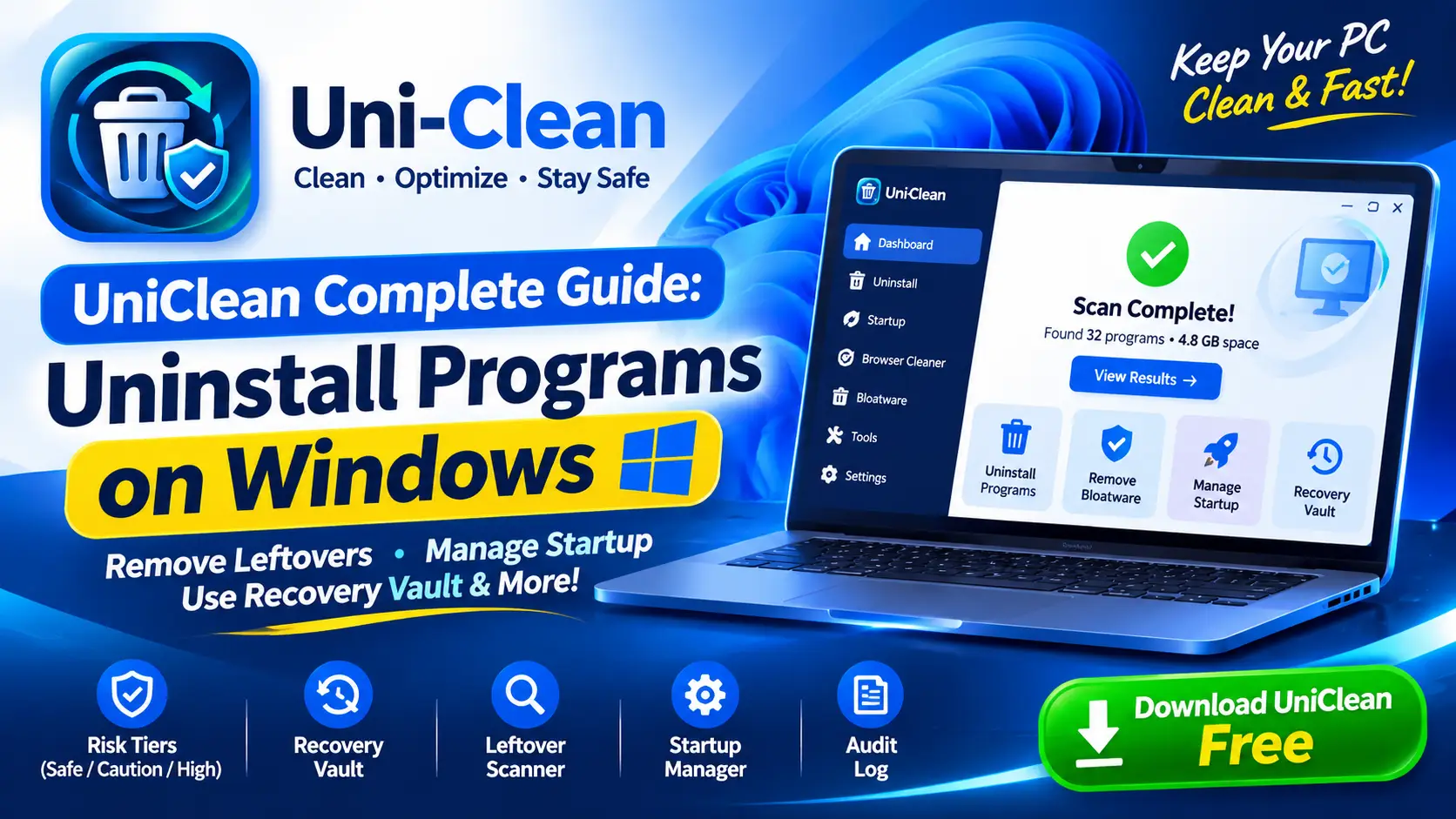
UniClean Complete Guide: Uninstall Programs on Windows
The complete UniClean guide to uninstalling programs on Windows, from the first scan and risk tiers to leftover removal, the Recovery Vault and portable mode.
Read Guide
Every uninstaller deletes. UniClean is the only one that remembers. Before a single file, registry key or service is removed, Recovery Vault captures it into an AES-256 encrypted archive on your own disk — so any removal can be reversed from the Restore Center, even days later and after a restart.
The undo button Windows never gave you.
What Recovery Vault backs up
Files, folders, registry keys, services, scheduled tasks and shortcuts are captured automatically. You never have to remember to make a backup.
Vault archives are encrypted with a key that never leaves your PC. Nothing is uploaded, synced or shared.
Unlike System Restore, each removal is its own entry. Restore one app without rolling back anything else on your system.
Removals scheduled for next boot are vaulted first, so you can still restore after Windows restarts.
Choose how long backups are kept and how much disk the vault may use. Old entries are pruned safely, newest first kept.
Every vault and restore action is recorded in the Audit Log with exact paths and timestamps.
Pick a program, startup entry, extension or leftover set in UniClean.
UniClean copies every file, key and service it is about to touch into an encrypted vault entry.
The program is uninstalled and its leftovers are swept only after the vault entry is verified.
Open Restore Center, choose the entry and click Restore — files, registry and services are put back exactly where they were.
Locally, in an encrypted folder on your system drive (you can move it to another drive in Settings). It is never uploaded anywhere.
Only as much as the items you remove, compressed. You can set a size cap and retention period, and UniClean prunes the oldest entries first.
No. System Restore rolls back the whole system to a point in time. Recovery Vault restores a single removal without touching anything else, and it also captures user files that System Restore ignores.
Yes. Vault entries persist across restarts until you delete them or they reach your retention limit.
The complete UniClean guide to uninstalling programs on Windows, from the first scan and risk tiers to leftover removal, the Recovery Vault and portable mode.
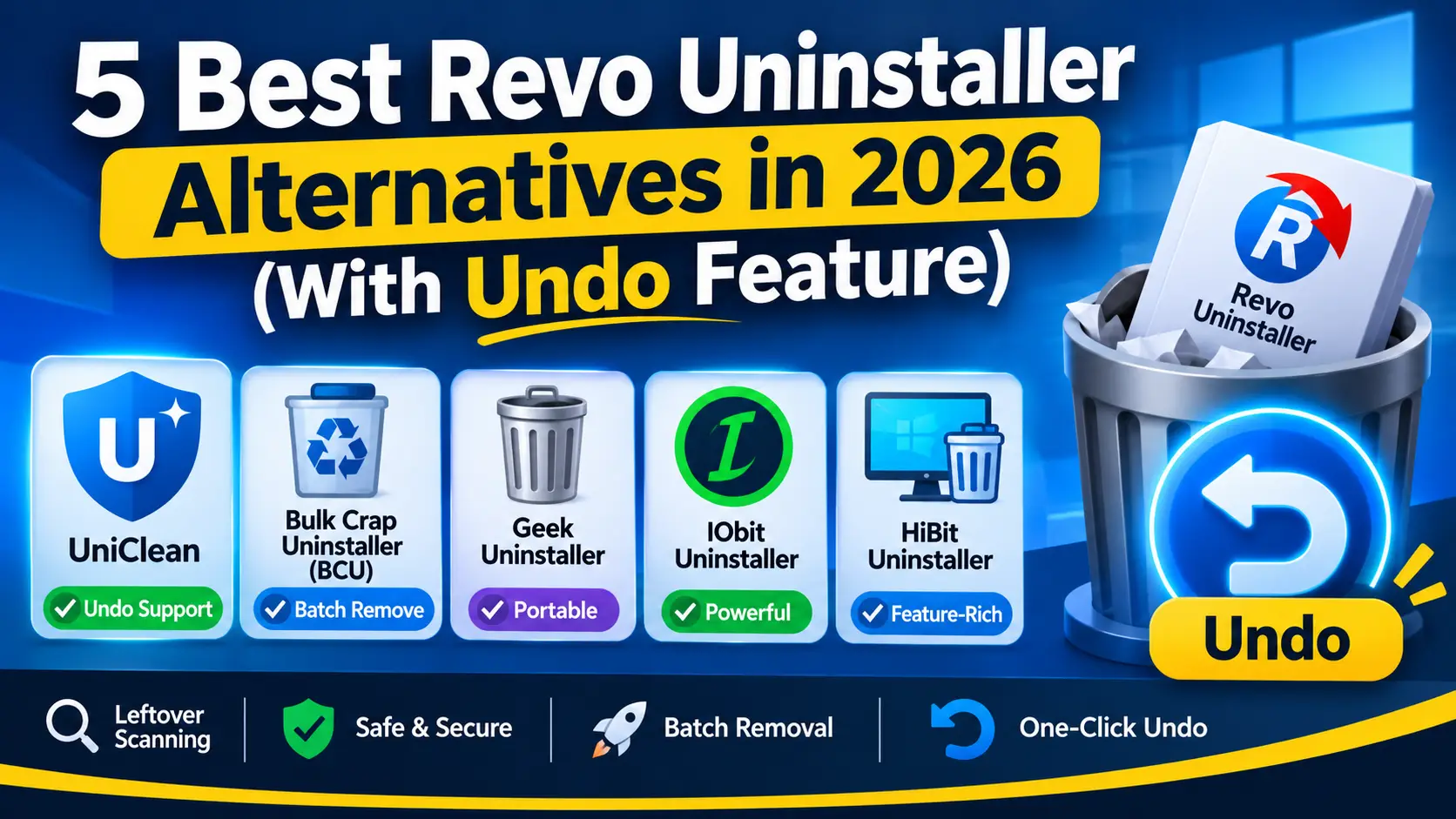
Looking for a Revo Uninstaller alternative? We compare five uninstallers on leftover scanning, batch removal, privacy and how easily you can undo a removal.
Free download. No account needed. Windows 11 & 10. Fully local.