How-To5 min read
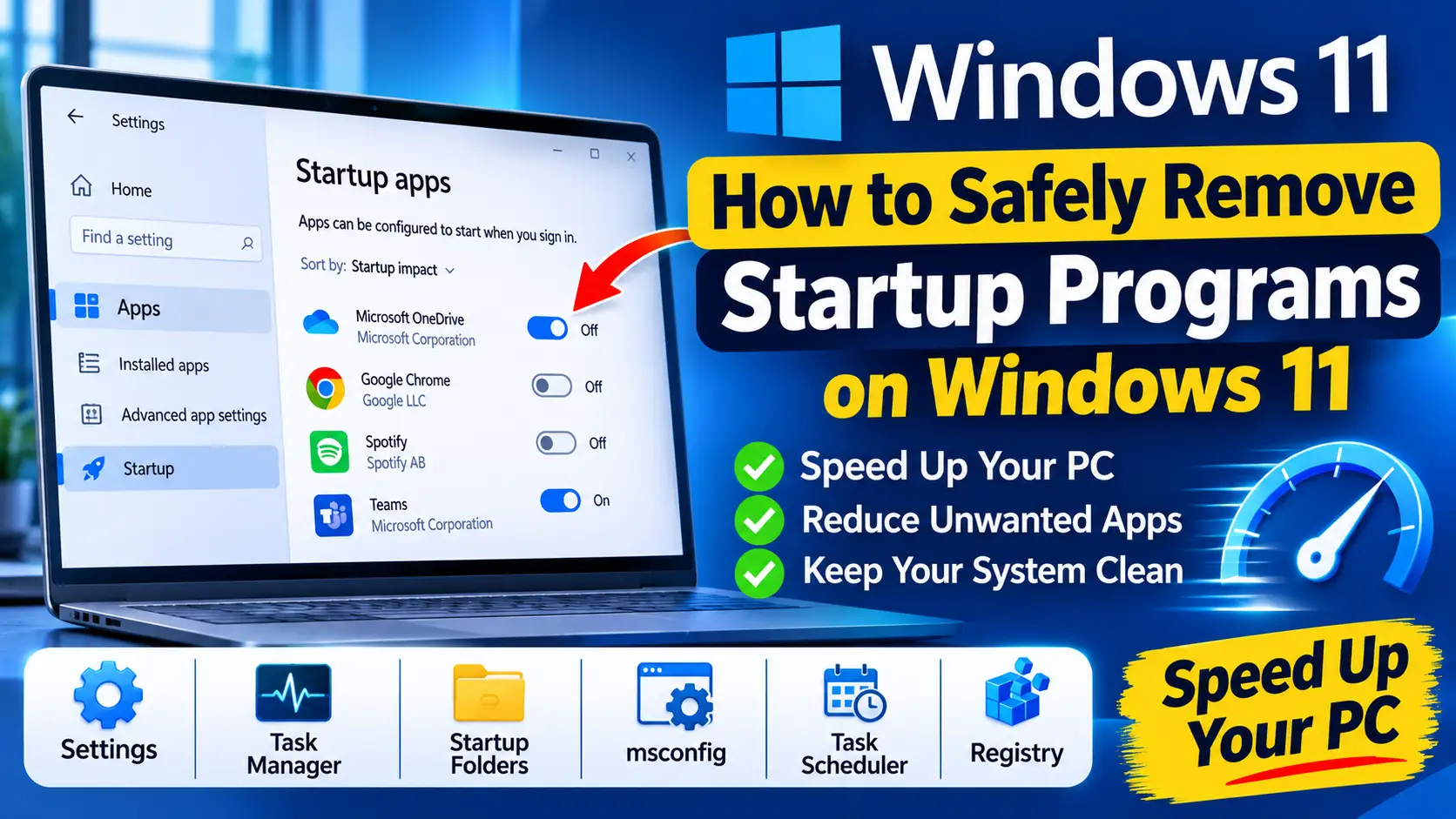
How to Safely Remove Startup Programs on Windows 11
Learn how to remove startup programs on Windows 11 safely with Settings, Task Manager, the Startup folder, services, Task Scheduler and the registry.
Read Guide
Task Manager's Startup tab only shows part of the picture. UniClean's Startup Manager lists Run keys, Startup folders, services and scheduled tasks together — with impact, publisher and Risk Tier — so you can trim boot time safely.
Faster boots, without the mystery.
Startup locations covered
Run and RunOnce keys, Startup folders, services, scheduled tasks and logon scripts in one list.
See which entries delay sign-in the most, measured on your own machine.
Disable temporarily, or remove permanently with a Recovery Vault backup.
Unknown publishers and recently added entries are highlighted — a classic sign of adware or monitoring tools.
UniClean gathers every startup location in a few seconds.
Find the slowest and riskiest items first.
Disable to test, then remove permanently once you are happy.
Enjoy a faster sign-in. Undo from Restore Center any time.
Updaters, chat apps, cloud-storage helpers and OEM promos are usually safe. Keep security software, audio and touchpad utilities enabled.
Disabling keeps the entry but stops it running; removing deletes it (vaulted first). Disable first if you are unsure.
Learn how to remove startup programs on Windows 11 safely with Settings, Task Manager, the Startup folder, services, Task Scheduler and the registry.
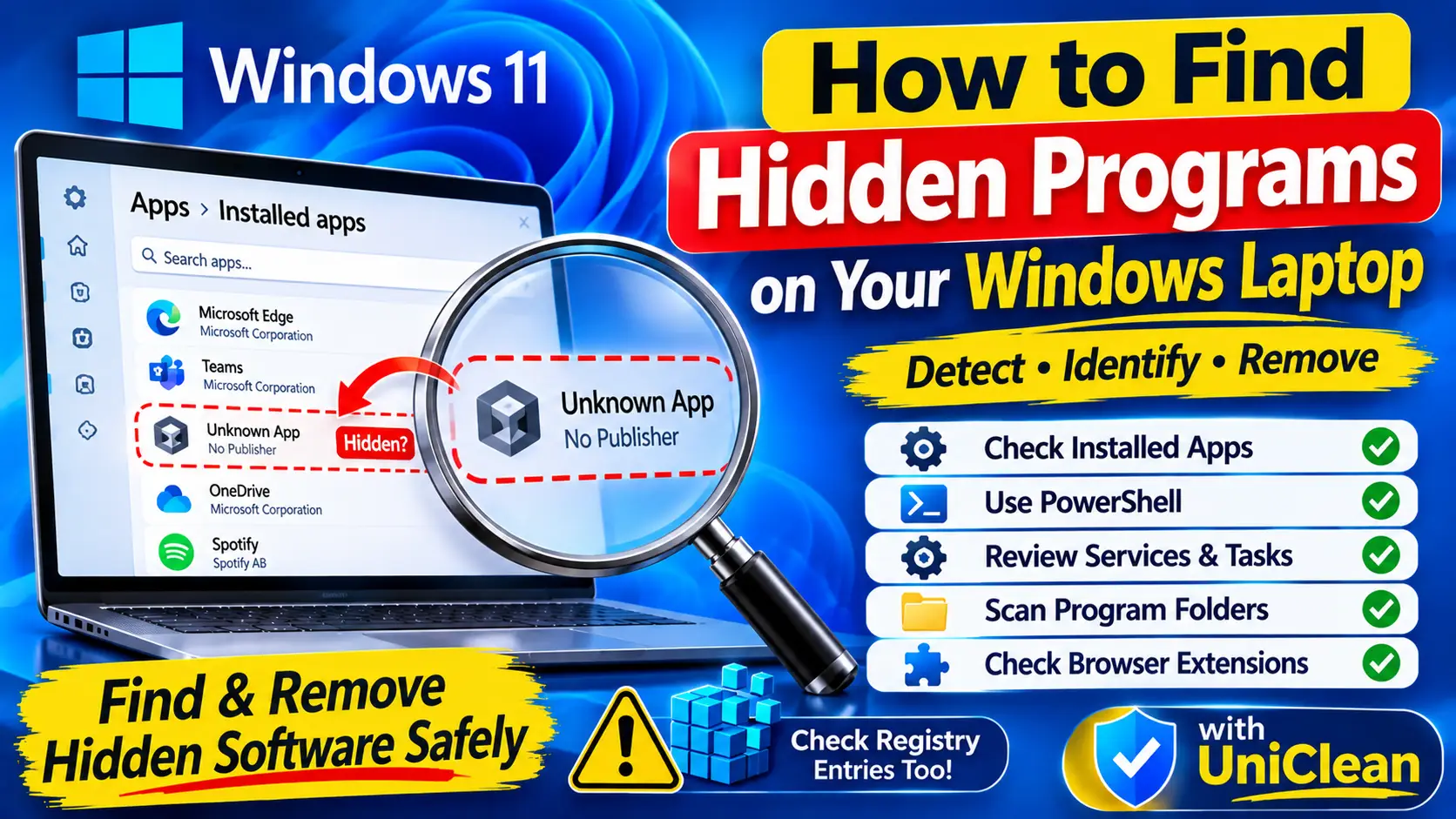
Not everything installed on Windows shows in Installed apps. Learn how to find hidden programs on a laptop using the registry, services, Task Scheduler and PowerShell.
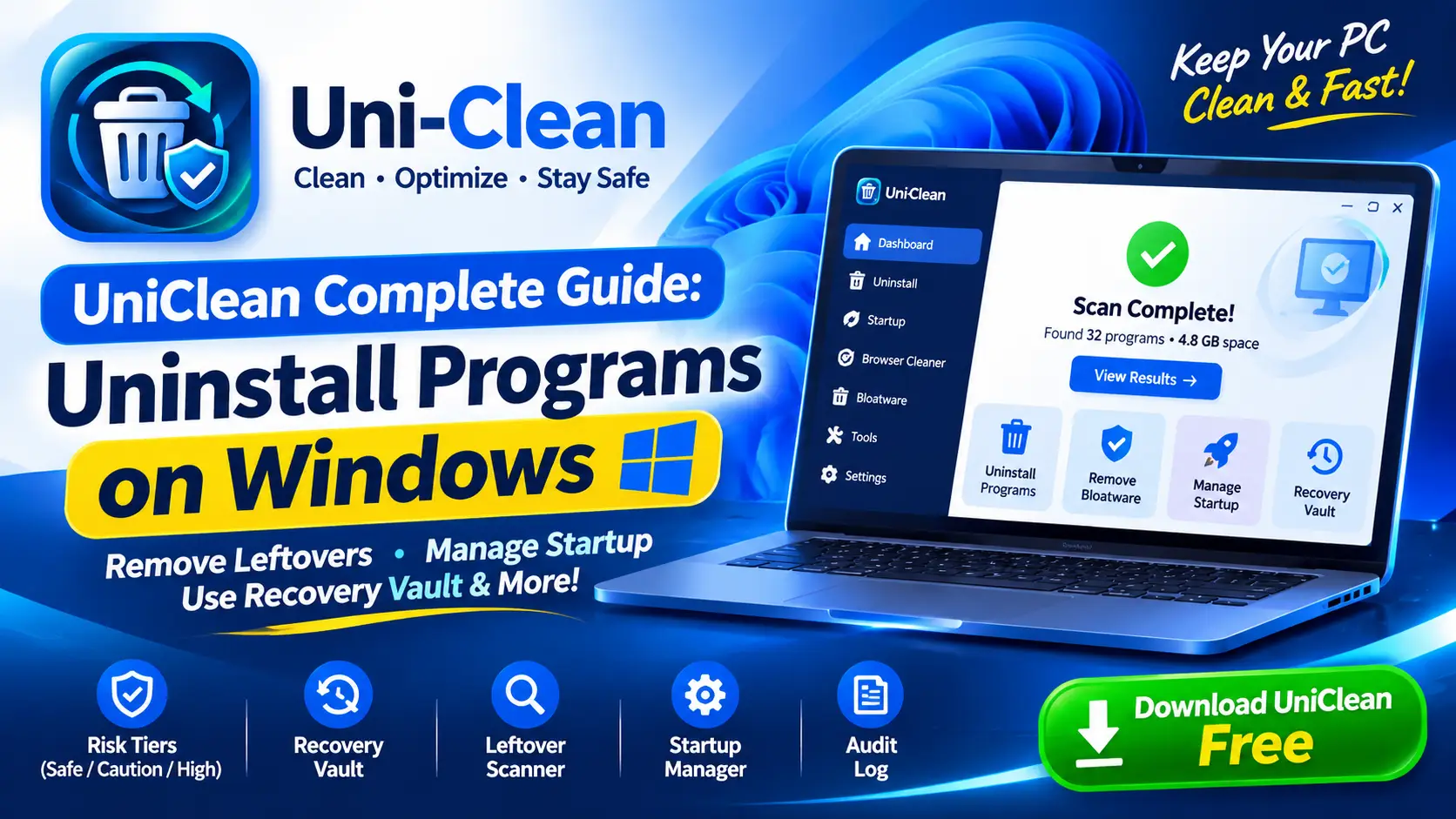
The complete UniClean guide to uninstalling programs on Windows, from the first scan and risk tiers to leftover removal, the Recovery Vault and portable mode.
Free download. No account needed. Windows 11 & 10. Fully local.