Skip to content
UniClean
Audit Log

Audit Log: Find Software You Never Installed

When did that program appear? Who installed it? UniClean builds a timeline of every installation on your PC from Windows records — install date, publisher, location and installer — and logs every action UniClean itself takes.

Every install, every change — on the record.

What the Audit Log records

  • Install date, publisher and version of every program
  • Install source (MSI, EXE, Store, winget, MDM)
  • Services, drivers and tasks each program added
  • Every UniClean removal, vault and restore action
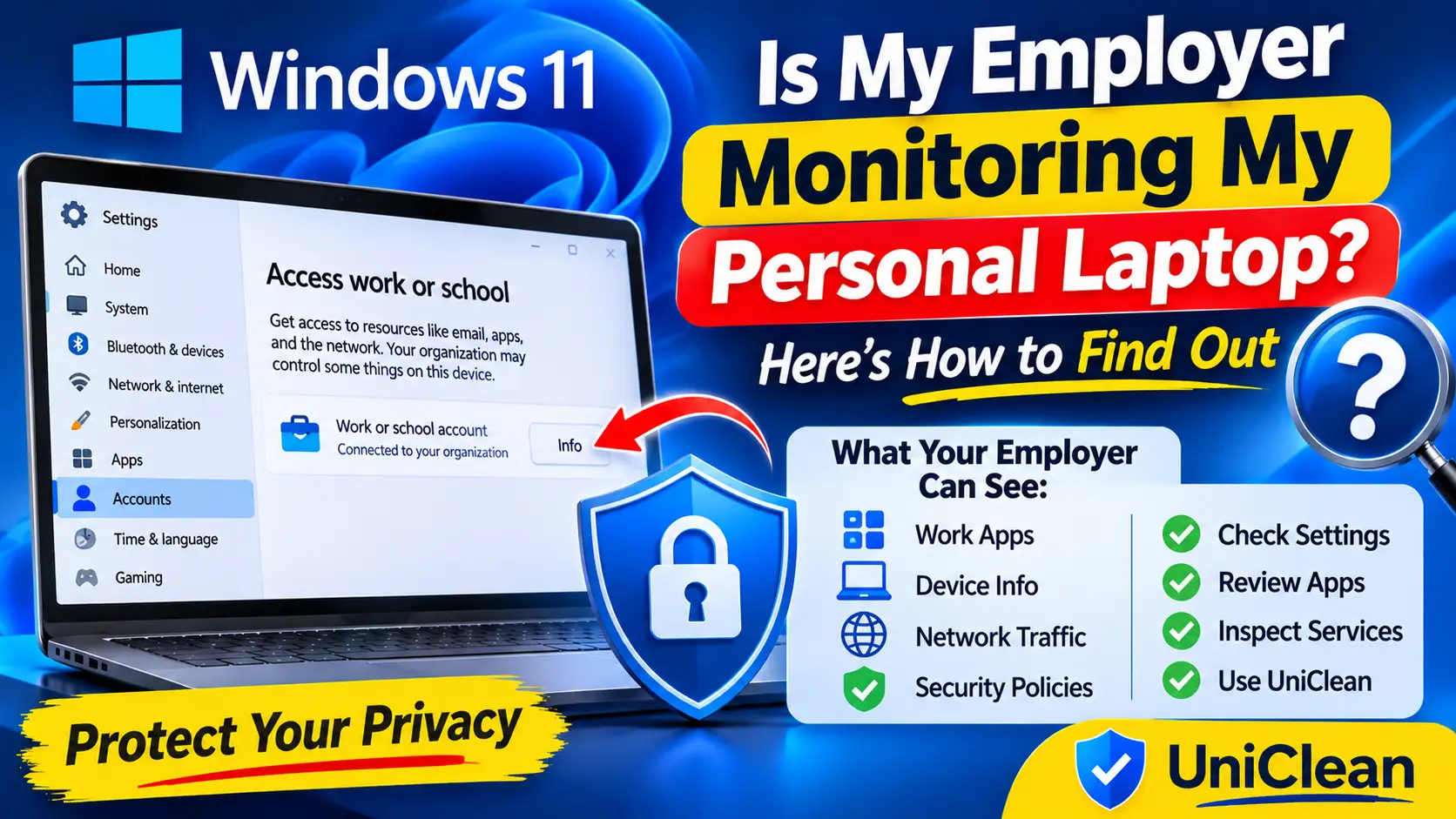
  • Work or school (MDM) enrolment indicators
Why it matters

What Audit Log does for you

01

Installation timeline

Every program and Store app on a chronological timeline with publisher and install path.

02

Surface the unexpected

Silent installs, MDM-pushed agents and software installed while you were away stand out instantly.

03

Monitoring detection

Known employee-monitoring, remote-access and stalkerware signatures are flagged High Risk.

04

UniClean transparency

Every file and key UniClean touches is logged — full accountability for what we do.

05

Export

Export the log to CSV or JSON for IT audits and deployment checks.

How it works

How Audit Log works

  1. 1

    Open Audit Log

    UniClean builds the timeline from Windows installer records and its own history.

  2. 2

    Filter

    Filter by date range, publisher, unknown publishers or High Risk.

  3. 3

    Investigate

    Open any entry to see services, tasks and network components it installed.

  4. 4

    Act

    Remove what should not be there — vaulted first — or export the evidence.

FAQ

Audit Log FAQ

It shows every installed program with its install date and publisher, and flags known monitoring and remote-access tools as High Risk. On a company-owned device, talk to your IT team before removing anything.

Never. The log is stored locally; exporting is a manual action you control.

All guides

More UniClean features

Clean Windows — with the safety of undo

Free download. No account needed. Windows 11 & 10. Fully local.