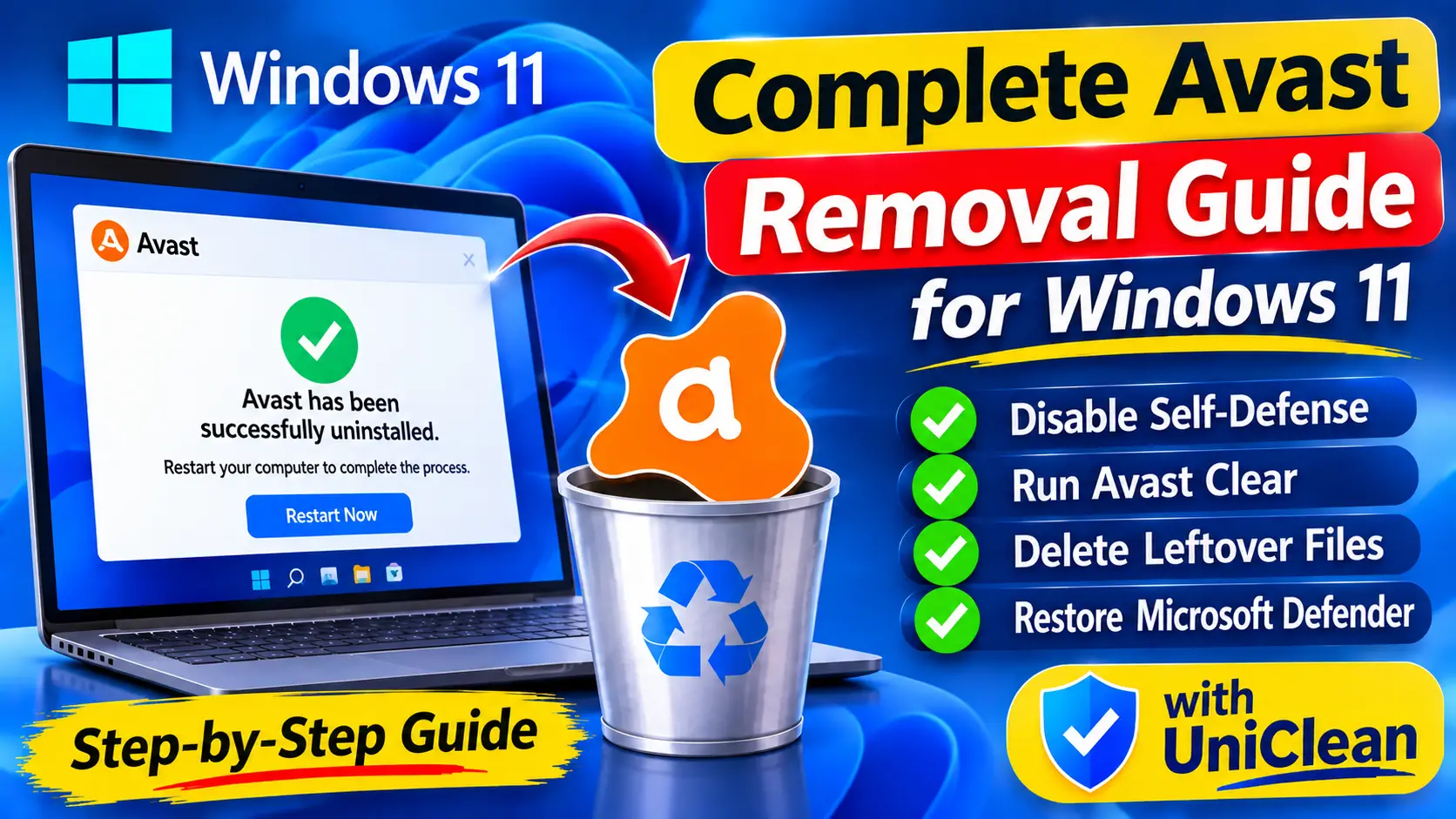
Antivirus Removal5 min read
Complete Avast Removal Guide for Windows 11
Avast often survives a normal uninstall through self-defense, services and bundled apps. Here is how to completely remove Avast from Windows 11, step by step.
Read Guide
Avast protects itself with a self-defense module and several kernel drivers, which is why a normal uninstall can fail or leave pieces behind. Here is the manual method using Avast Clear in Safe Mode, plus the UniClean way with a backup of everything removed.
These are the locations a standard uninstall commonly misses.
| Location | Type | Note |
|---|---|---|
C:\Program Files\Avast Software\Avast | folder | Main program folder. |
C:\ProgramData\Avast Software | folder | Virus definitions, logs and settings. |
HKLM\SOFTWARE\Avast Software | registry | Product configuration keys. |
avast! Antivirus | service | Main Avast service, protected by Self-Defense. |
aswbidsdriver | driver | Avast behavior shield driver. |
aswSP | driver | Avast self-protection driver. |
Avast Online Security | extension | Browser extension installed alongside the antivirus. |
The Windows-only way. It works, but takes longer and has no undo.
Open Avast, go to Menu > Settings > General > Troubleshooting and clear the Enable Self-Defense checkbox.
Go to Settings > Apps > Installed apps, find Avast Free Antivirus or your Avast product and select Uninstall, then confirm in the Avast setup window.
Restart to unload the Avast drivers.
Download avastclear.exe from Avast support and save it to your desktop.
Run avastclear.exe, allow it to restart Windows in Safe Mode, select your Avast product and click Uninstall, then restart normally.
Uninstall Avast Secure Browser, Avast SecureLine VPN or Avast Cleanup if they are listed, and remove the Avast Online Security extension.
Delete C:\Program Files\Avast Software and C:\ProgramData\Avast Software if they remain.
Faster, complete, and reversible — everything is backed up to the Recovery Vault first.
Run a UniClean scan to list every Avast product, driver, service and extension.
Avast drivers are marked High Risk, so UniClean forces a Recovery Vault backup before removal.
Select Avast. UniClean handles Self-Defense by stopping protected services or scheduling their removal at next boot, without manual Safe Mode.
The Leftover Scanner clears remaining folders, registry keys, services and tasks after the uninstall.
Restart Windows. Anything removed can be restored in one click from the Restore Center.
Avast Clear, avastclear.exe, is the official Avast uninstall utility for cases where the normal uninstaller fails. It is designed to run in Safe Mode.
Self-Defense is blocking changes. Turn it off under Settings > General > Troubleshooting, or use Avast Clear.
No. Microsoft Defender turns on automatically once Avast is removed.
It is a separate product and stays installed unless you remove it, so uninstall it as well if you do not use it.
Avast often survives a normal uninstall through self-defense, services and bundled apps. Here is how to completely remove Avast from Windows 11, step by step.
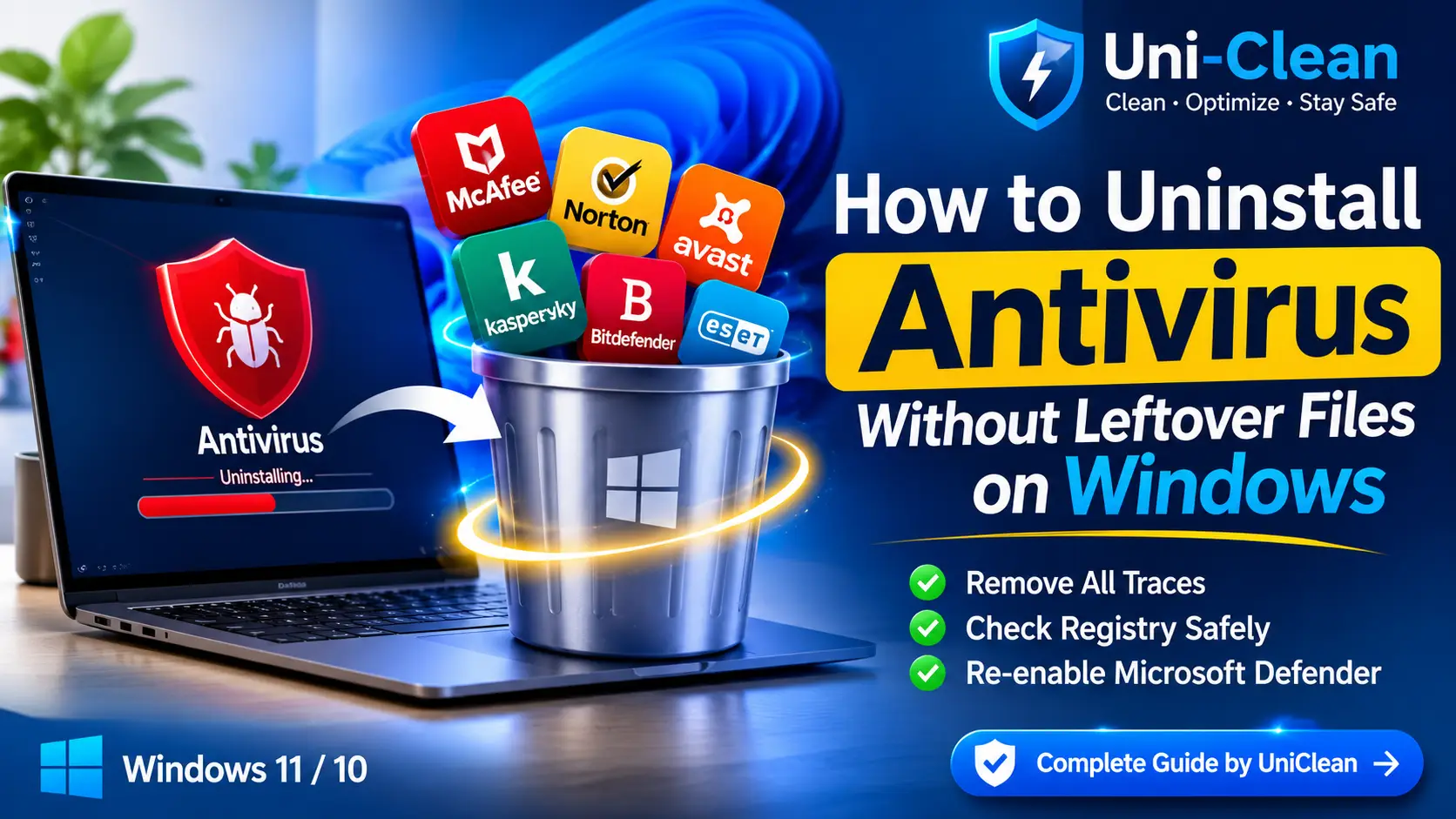
Antivirus suites leave drivers, services and registry keys behind. Learn how to uninstall antivirus without leftover files on Windows 11 and 10, safely.
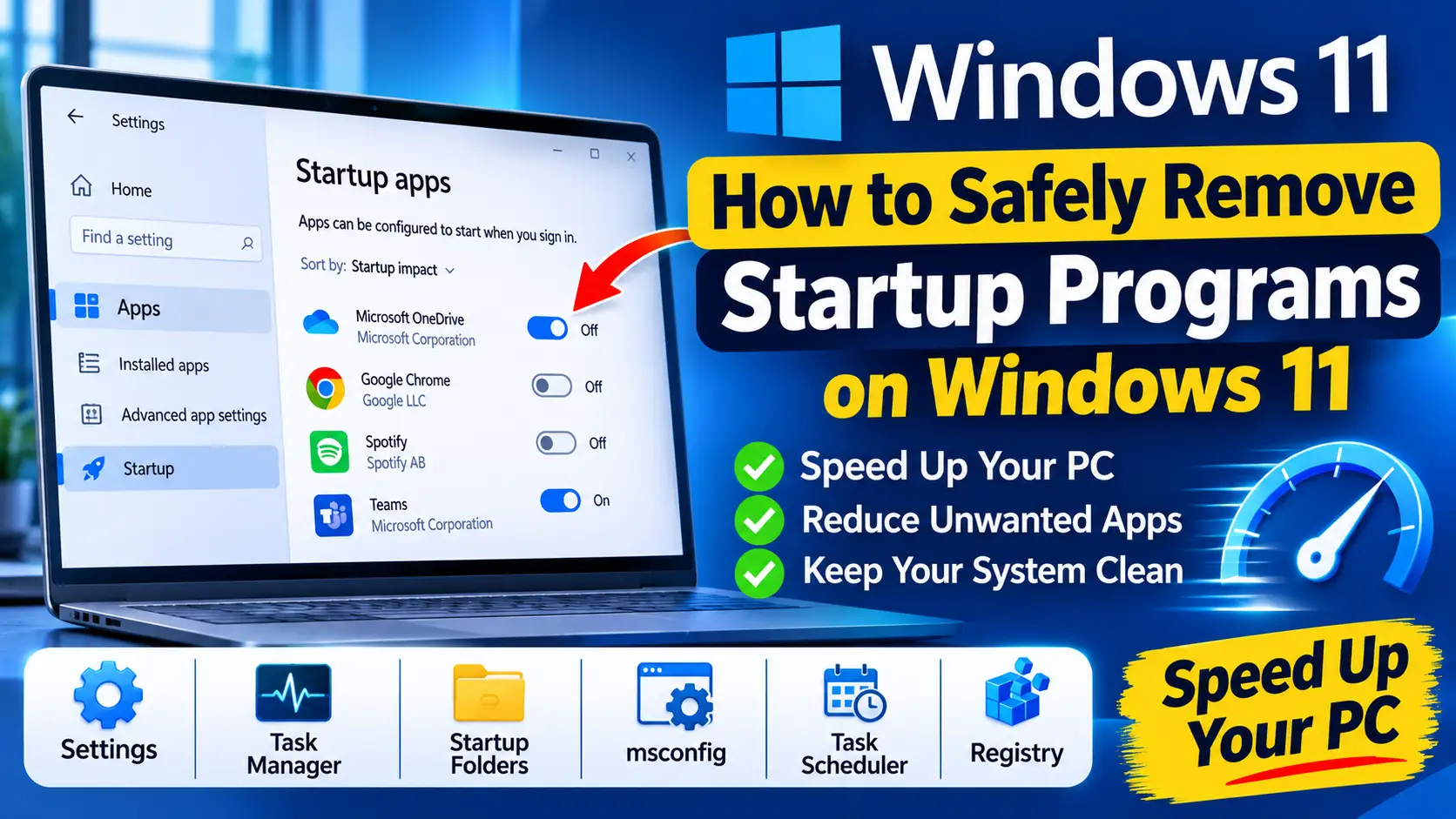
Learn how to remove startup programs on Windows 11 safely with Settings, Task Manager, the Startup folder, services, Task Scheduler and the registry.
Free download. No account needed. Windows 11 & 10. Fully local.