Comparisons5 min read
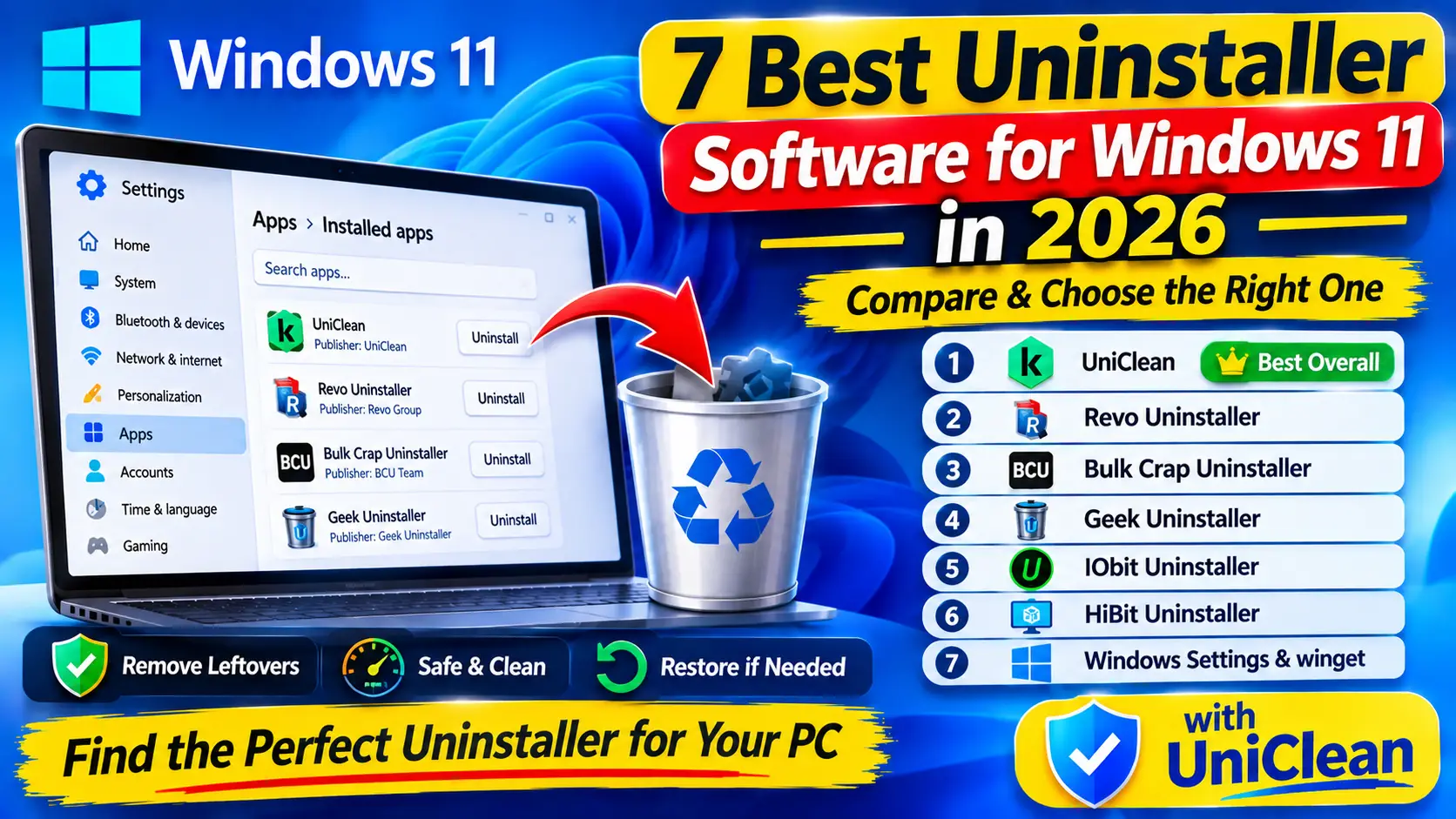
7 Best Uninstaller Software for Windows 11 in 2026
We compare the 7 best uninstaller software options for Windows 11 in 2026, from built-in tools to dedicated cleaners, on leftovers, safety, batch removal and undo.
Read Guide
IT technicians, repair shops and power users can carry UniClean on a USB drive. Portable Mode runs without installation, leaves no trace on the host PC, and keeps vault entries on the machine being cleaned so restores still work after you leave.
Your clean-up toolkit on a USB stick.
Built for technicians
Run the portable build from any folder or USB stick — nothing is written to the host besides vault data.
Recovery Vault entries stay on the cleaned PC, so the user can restore without your USB stick.
Use the Audit Log to verify what an image or deployment actually installed.
Export removal lists from one machine and apply them on the next.
Download UniClean and choose the portable package.
Launch directly from the drive with administrator rights.
Use every UniClean feature as normal — vault data stays on the host.
Close UniClean and remove the drive. No services or tasks are left behind.
Yes — scanning, Risk Tiers, Antivirus Remover, Recovery Vault, Startup Manager and Audit Log all work.
On the PC being cleaned, so restores remain available after the USB drive is removed.
We compare the 7 best uninstaller software options for Windows 11 in 2026, from built-in tools to dedicated cleaners, on leftovers, safety, batch removal and undo.
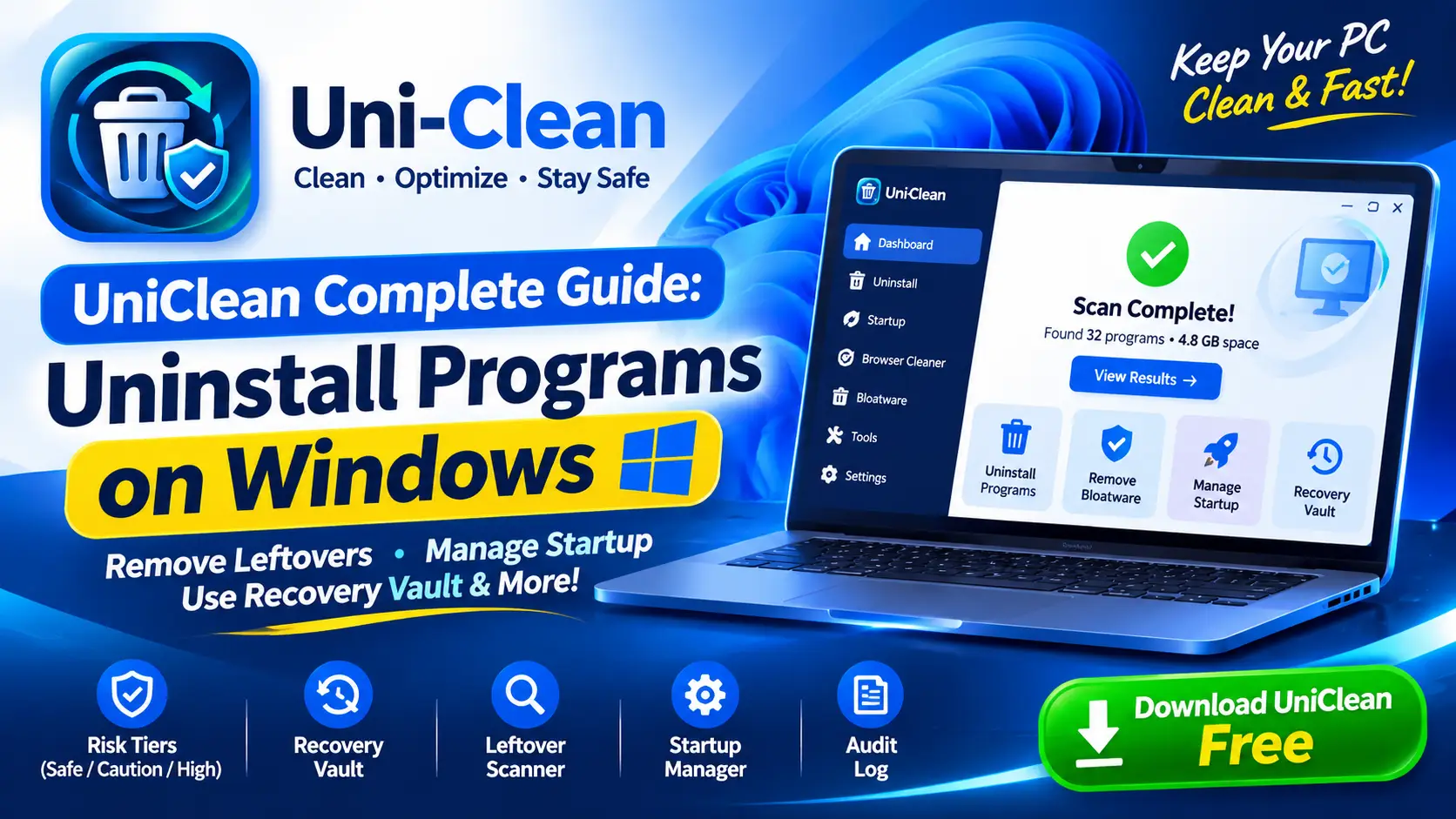
The complete UniClean guide to uninstalling programs on Windows, from the first scan and risk tiers to leftover removal, the Recovery Vault and portable mode.
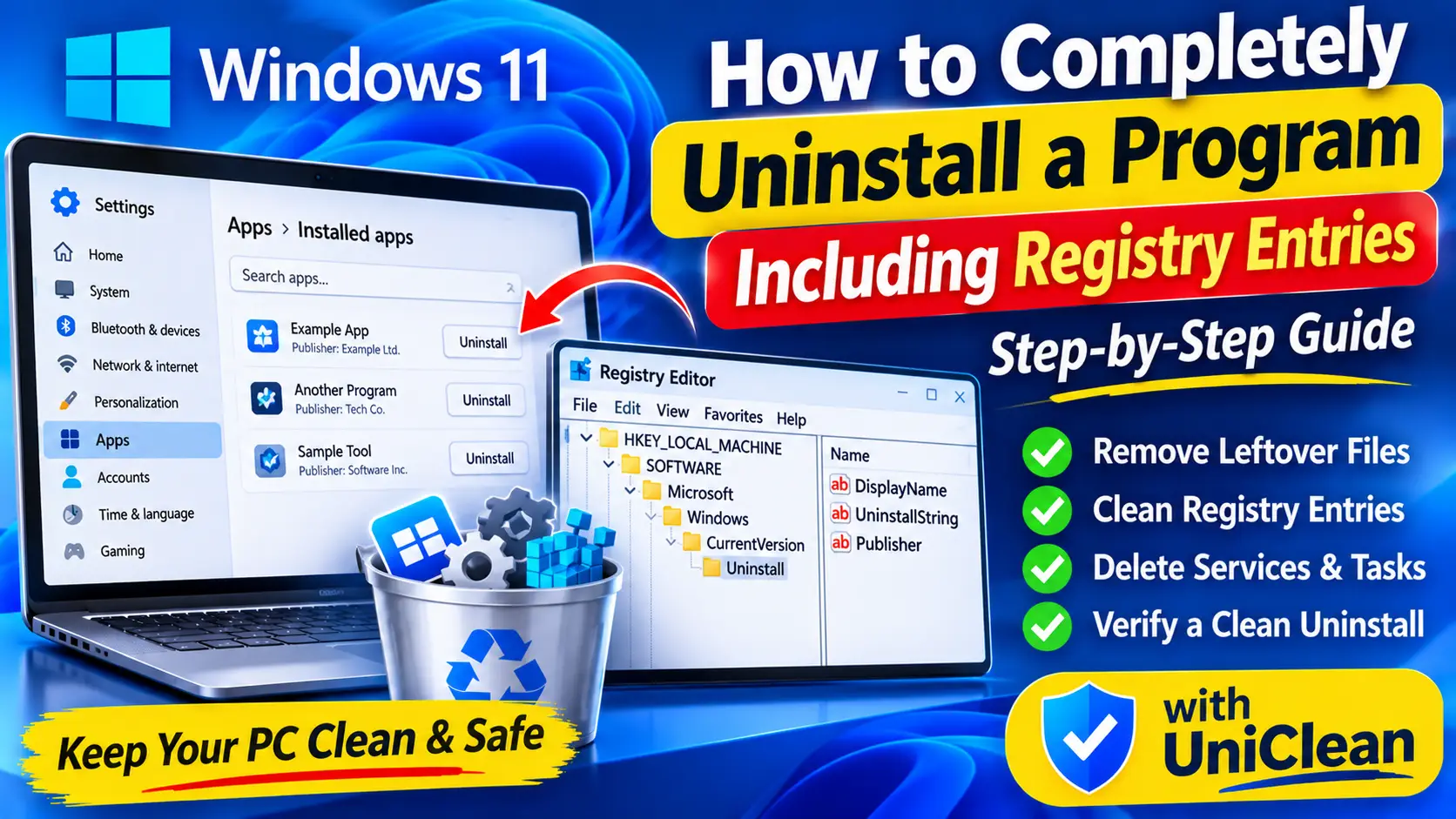
Standard uninstalls leave files and registry keys behind. Here is how to remove a program completely on Windows, including registry entries, services and tasks.
Free download. No account needed. Windows 11 & 10. Fully local.